Families hear from you without the busywork. Status emails send themselves.
Confirmation, payment, waitlist, and roster-release emails go out when something changes. You write only the announcements you want to send, and you can see who received them.
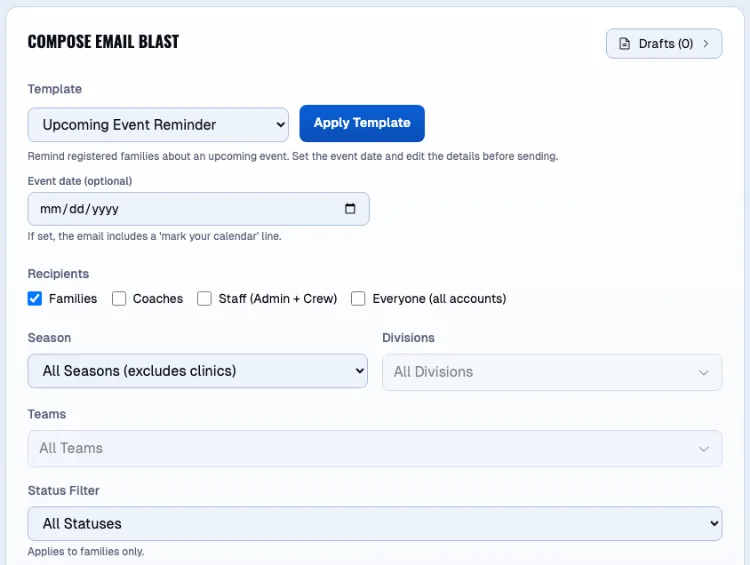
One message. The right 312 people.
The fields just closed for heat. The message is written and aimed at one division's families and coaches, and the preview has already left off everyone who opted out or whose address bounced. Press send and watch where it lands.
Every message a season needs
Status emails, automatically
Confirmation, payment, and waitlist emails go out when a registration changes, without anyone writing them.
Roster release emails
When you release teams, families get an email with their player's team.
Email blasts with templates
Start from a template and send to the whole league, or scope a blast to specific teams.
Draft reminders in one click
Remind families with unfinished registrations in one click.
One inbox for parent messages
Messages from parents land in one inbox your staff can work through.
Delivery and bounce tracking
See which emails were delivered and which bounced, so you know who did not hear from you.
Unsubscribe handled
Announcement emails include an unsubscribe link, and the platform honors it.
Team calendar feeds
Families and coaches subscribe to their team's schedule in their own calendar app, so game changes show up there too. Playoff games join the feed once they are published.
What a family hears, and when.
Sign-up confirms itself
A registration, a payment, or a waitlist promotion sends its own email the moment it happens. Nobody has to remember, and the family sees the same thing in their portal.
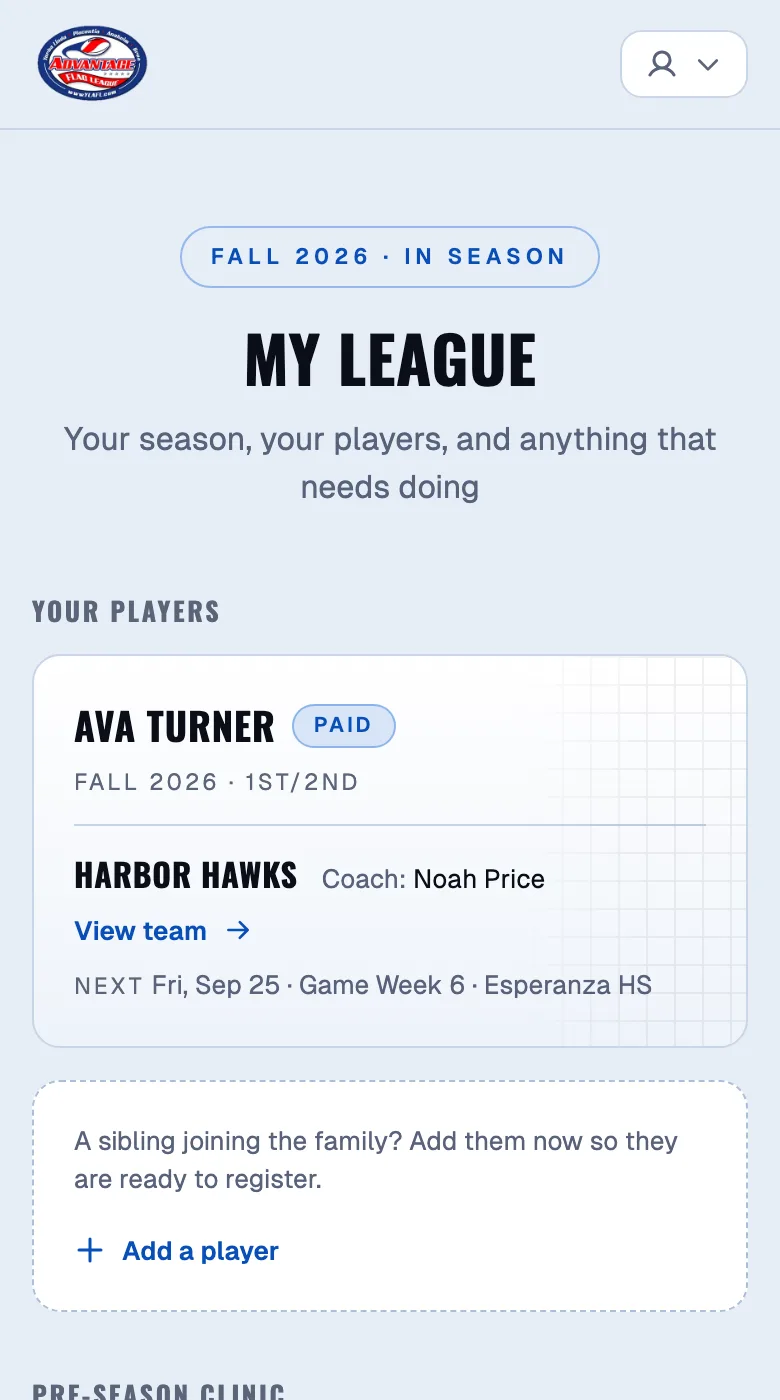
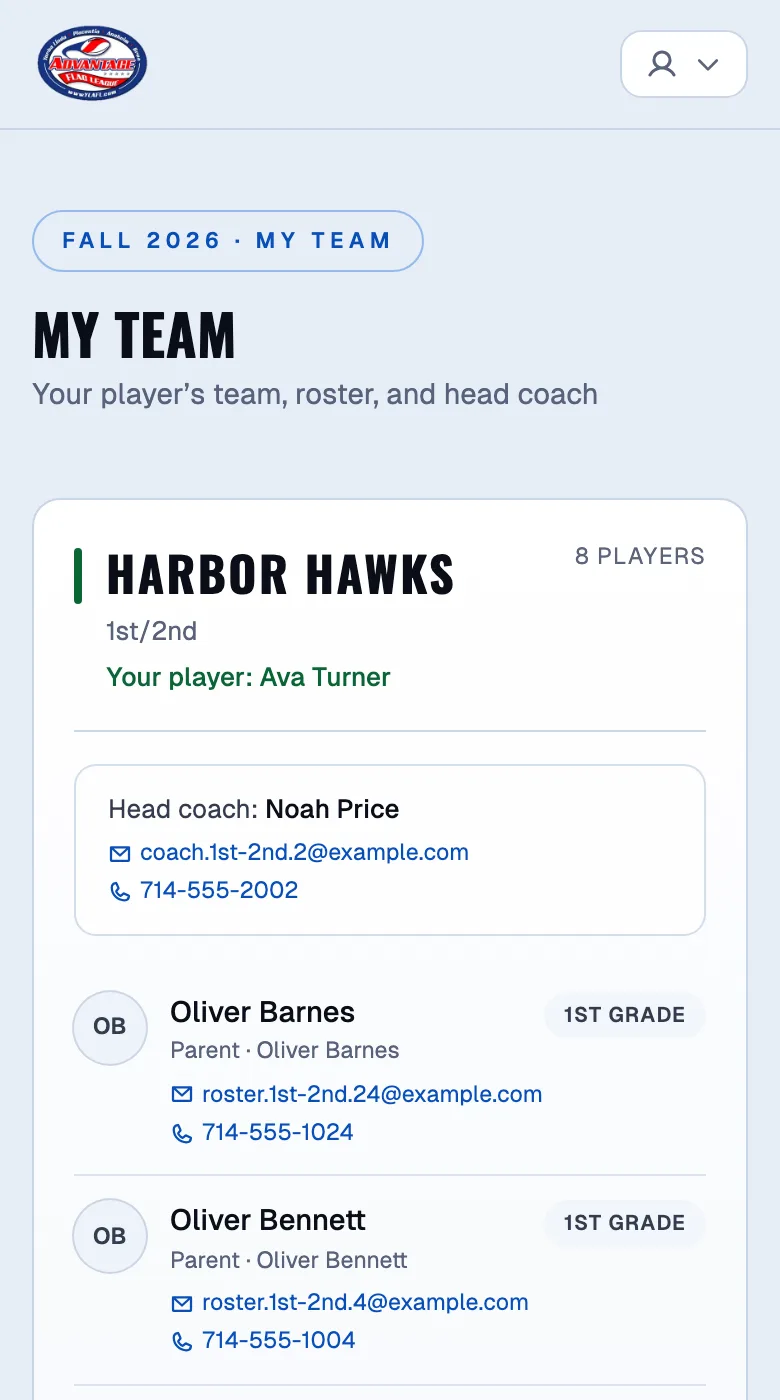
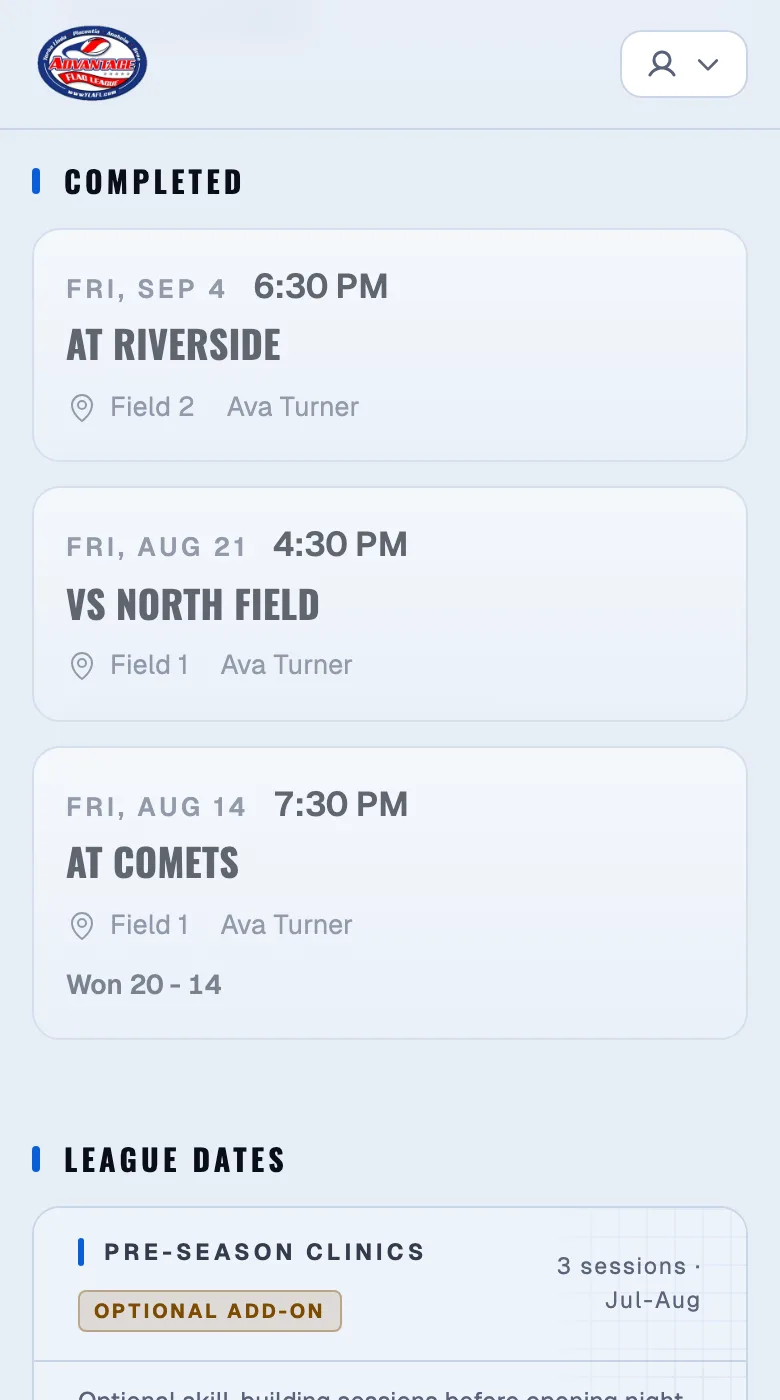
Three emails nobody had to write.
A season's worth of routine messages, sent off the same records your staff already keep, and the game lands in the team's calendar feed too.
Questions operators ask.
Do I have to write every email by hand?
No. Confirmation, payment, waitlist, and roster-release emails are sent automatically. You write only the announcements you want to send.
Can I email just one team?
Yes. Email blasts can be scoped to specific teams, and templates keep repeat messages quick.
Where do parent messages go?
Into one inbox in the admin area, so questions do not get lost in someone's personal email.
What about the email parents send to the league's address?
The inbox assistant reads email to your league's mailbox against the season's records and drafts each reply for your review. You approve a draft and send it from your own mailbox; nothing sends without you.
Stop rebuilding the machine every season.
See the platform with your own divisions and pricing. We'll walk through a real season setup in 30 minutes.