Registration and payments in one ledger. Checks are read and matched for you.
Families register every player from one portal. Every payment is recorded against a registration, and scanned checks are read and matched to the family they pay for.
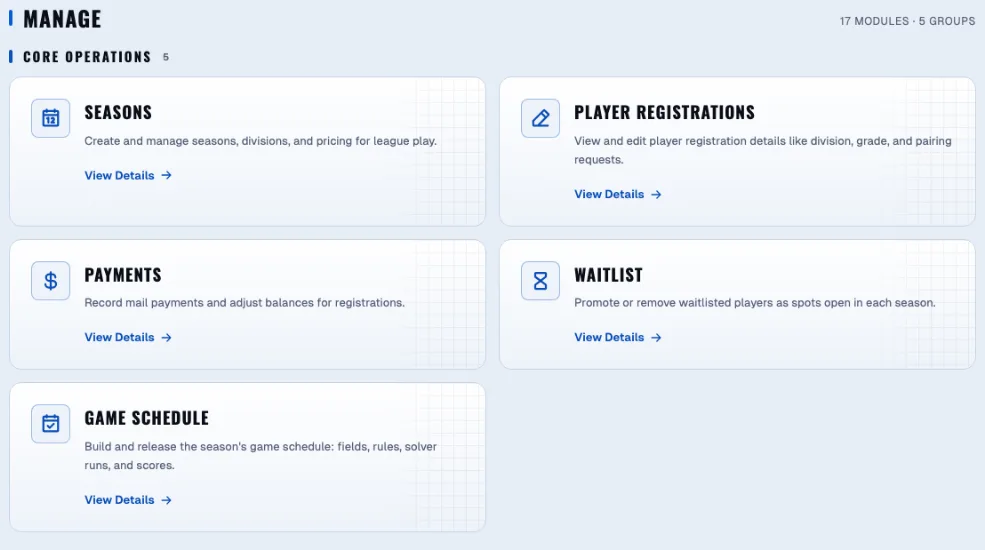
Everything between sign-up and paid
Seasons, divisions, and caps
Set up seasons and divisions with their own pricing and caps, and open registration when you are ready.
One family portal
Families register every player from one account and can share access with another adult in the household.
Sign-in families remember
Families sign in with an email code, a password, or Google.
Waitlist with a fit finder
When a division fills, players join the waitlist. Promote them as spots open, with a fit finder to help place them.
Checks, Zelle, cash, and money orders
Record every payment against a specific registration. Card payments through Stripe are available on request.
Scanned checks, read and matched
Upload a PDF of scanned checks. Each check is read and matched to the family and registration it pays for.
A ledger for every family
Adjustments, refunds, payment holds, and overpayment credits live in one ledger, and unpaid registrations can be voided in bulk.
Walk-up registration and check-in
Field crew can register walk-up families and check players in on site.
From an open season to a clean ledger.
Families register themselves
One account covers every player in a household, and a second adult can share it. Families see what they owe and what they have paid without calling you.


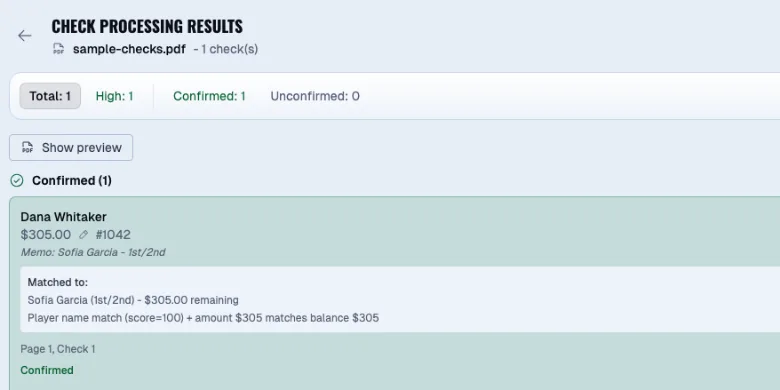
A scanned check finds its family.
The memo line is read, the payment lands on the right registration, and the balance clears.
Questions operators ask.
Which payment methods are supported?
Checks, Zelle, cash, and money orders, each recorded against a specific registration. Zelle payments are recorded in the ledger by your staff. Card payments through Stripe are available on request.
How does check matching work?
Scan the checks you receive and upload the PDF. Each check is read, and the payment is matched to the family and registration it belongs to.
What happens when a division is full?
New registrations join the waitlist. When a spot opens, promote a player and the family gets an email.
Stop rebuilding the machine every season.
See the platform with your own divisions and pricing. We'll walk through a real season setup in 30 minutes.